BEFORE / INPUT05 FILES
- IMG_4821.pngUNKNOWN
- screenshot_final_2.pngUNKNOWN
- 000124.pngUNKNOWN
- download (17).jpgUNKNOWN
- new_newest_v3.webpUNKNOWN
 INDEXBORN
Windows app soon
INDEXBORN
Windows app soon
Local AI file organizer for Windows
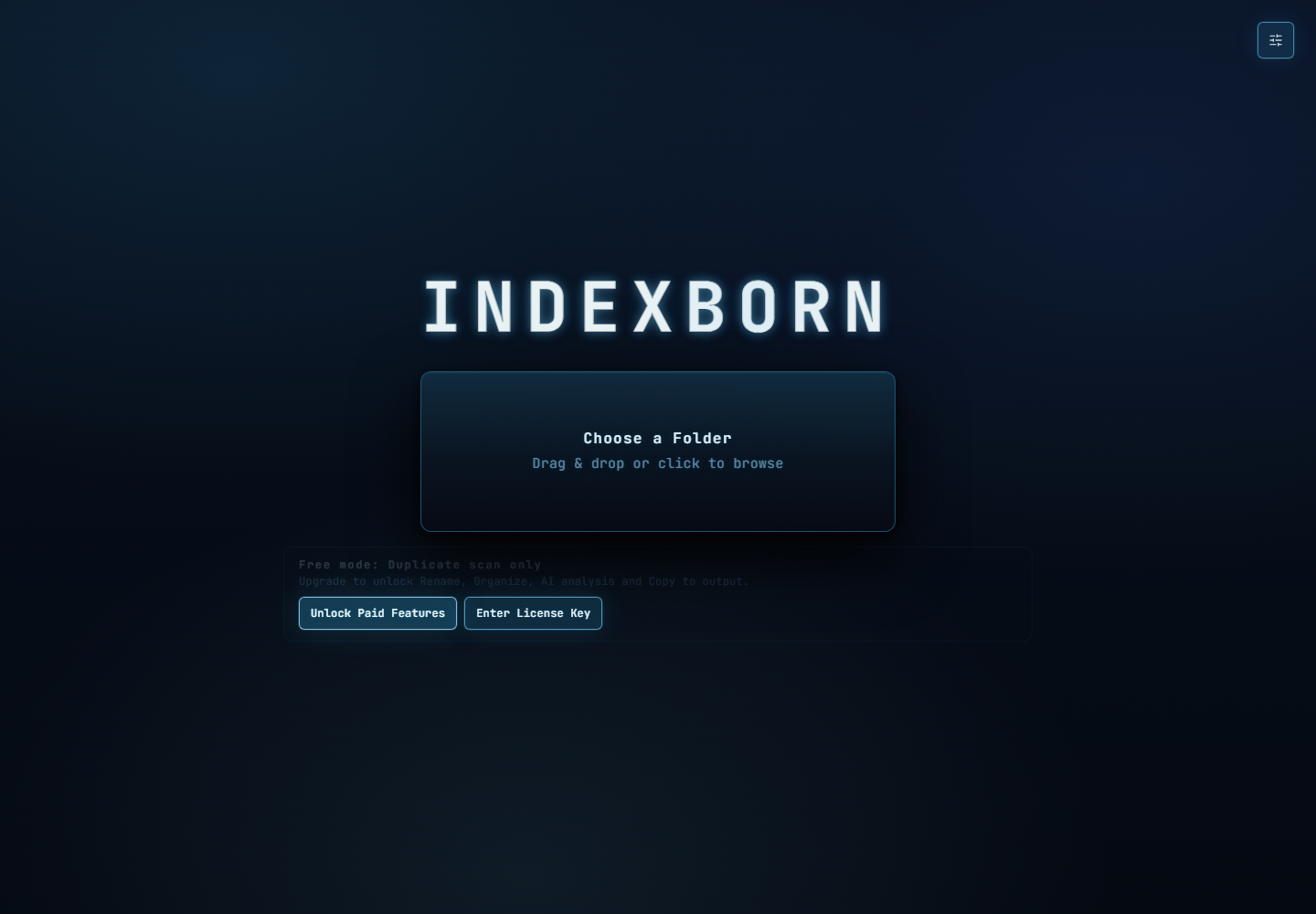
Indexborn reads what your files contain, suggests useful names, builds a clear folder structure, and keeps every original untouched until you choose to export.
FIVE INTERFACES / ONE ENGINE
Indexborn ships with five focused color systems. Try them here — the whole site responds just like the app.
FROM FILE DUMP TO ARCHIVE
Indexborn turns meaningless filenames into a reviewable structure based on what each file actually contains.
THE CONTROLLED WORKFLOW
Select a folder, inspect the proposed result, then export a clean copy when you are ready.
SELECT / SOURCE
Images, screenshots, old downloads, AI outputs, references, and mixed file dumps are welcome.
REVIEW / PROPOSAL
Search, filter, and isolate uncertain results instead of trusting a black-box batch rename.
EXPORT / COPY
Indexborn copies the organized result to your chosen output. The source folder stays untouched.
AI WITH GUARDRAILS
Bad AI guesses are worse than messy filenames. Indexborn separates low-confidence results so you can fix the exceptions without slowing down the whole folder.
Nothing is silently renamed. You make the final call.
BUILT FOR REAL MESS
CONTENT / 01
Readable, consistent filenames replace camera codes, counters, and endless “final” versions.
STRUCTURE / 02
Group related files into a stable structure that makes browsing and reuse faster.
DUPES / 03
Separate duplicate scans from AI naming when you only need a fast, deterministic cleanup.
LOCAL / 04
After paid activation, Indexborn downloads its AI model and runs it locally on your machine.
SIMPLE LICENSING
FREE
€0forever
For finding exact duplicates without AI.
MONTHLY
€7.99/ month
Full access with the lowest upfront price. VAT included.
ANNUAL
€69/ year
€5.75/month. Save €26.88 each year compared with Monthly. VAT included.
LIFETIME
€690one-time
All future Indexborn updates. VAT included.
At today's Annual price, 20 years would total €1,380. Lifetime is €690 — 50% off that long-term comparison.
Launch prices in EUR including VAT. Every paid plan has the same features on two Windows devices. We offer a voluntary 14-day refund policy in addition to mandatory rights. Checkout remains disabled while release validation is in progress.
FAQ / QUICK ANSWERS
No. Analysis is non-destructive. You review the proposed result and copy it to a separate output folder.
No. The paid workflow downloads the AI model after activation, then AI analysis runs on your PC. Your file content is not sent to an AI service.
The optional paid AI model is approximately 5.4 GiB. Free duplicate scanning does not download it.
Free mode includes exact duplicate scanning. AI naming, organization, and copy workflows require a paid plan.
Indexborn is currently built and tested as a Windows 11 desktop app.
YOUR FILES ARE STILL IN THERE
Download Indexborn for Windows and turn the folder you avoid into a searchable archive.
Coming soon for Windows